iCloud Not Working? Fixes for App Store Sign-In Failures
If iCloud or the App Store is down on your iPhone, iPad, or Mac, the fix usually starts with Apple's system status page, not your device. Sign-in failures, download errors, and payment glitches during…
If iCloud or the App Store is down on your iPhone, iPad, or Mac, the fix usually starts with Apple’s system status page, not your device. Sign-in failures, download errors, and payment glitches during an Apple outage resolve on their own once Apple finishes repairs, but a few checks confirm the problem is theirs and a few workarounds keep you productive in the meantime.
Check Apple’s system status first
Open apple.com/support/systemstatus and look for iCloud Account and Sign In, iCloud Web Apps, App Store, Apple Pay, and AppleCare. A yellow or red marker means Apple has an active incident. Cross-check Downdetector’s Apple page to see the shape of user reports in your region.
If every service is green and only your device fails, continue with the device-side fixes below. Connectivity problems often start at home rather than at Apple: our guide to internet speed and connection quality covers why a strong Wi-Fi bar can still hide a broken path to the wider web.
Sign-in failures: what to try
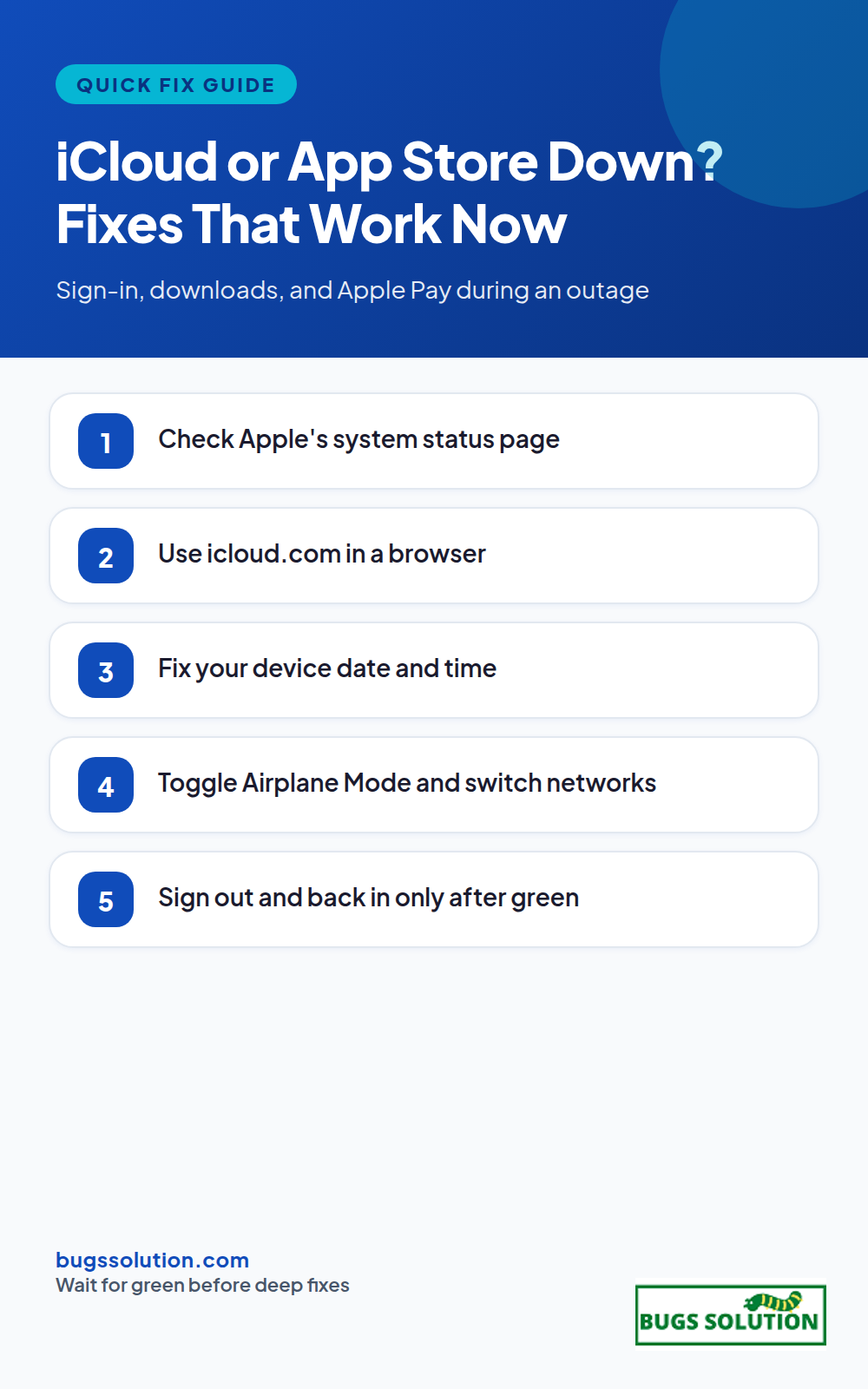
1. Wait a few minutes, then retry
During recoveries, authentication tokens expire and re-issue in waves. Force quit the Settings app or the failing app, wait two to three minutes, and sign in again. Repeated rapid retries can trigger temporary locks, so patience is a real fix here.
2. Use the web for critical tasks
icloud.com works from any browser. Grab the file you need from iCloud Drive, check Mail on the web, or look up a contact. The App Store has no full web equivalent, but you can still manage subscriptions at apps.apple.com/account/subscriptions and download previously purchased apps from your purchase history once the store recovers.
3. Check your device clock
An incorrect date or time breaks certificate validation and makes sign-in look like a password problem. On iPhone, enable Settings > General > Date and Time > Set Automatically. On Mac, System Settings > General > Date and Time. Clock skew is the same class of fault we cover in fixing the ERR_SSL_VERSION_INTERFERENCE error in Chrome, and it is one of the most common overlooked causes of “secure connection” failures.
4. Toggle Airplane Mode or switch networks
Turn Airplane Mode on for ten seconds, then off, to reset the radio. If sign-in still fails on Wi-Fi, switch to cellular data or a phone hotspot. If it works on cellular but not Wi-Fi, the issue is your router or ISP, not Apple. That one-device-versus-everyone split is explained further in our VPN split tunneling guide, which also shows how a VPN can block the endpoints Apple uses during partial recoveries.
5. Sign out and back in carefully
If the outage has cleared and sign-in still loops, sign out of iCloud on the device, restart, then sign back in. On iPhone, sign out keeps a copy of your data on the device by default; turn on the toggle that keeps a copy before you confirm. Do not erase the device to fix a sign-in loop unless you have a fresh backup and Apple’s own support steps say to.
App Store download errors
Failed downloads during an outage are almost always Apple-side. Pause and resume the download, or delete the app from your home screen and reinstall from your Purchased list so you do not pay twice. If the spinner never ends, sign out of the App Store (Settings > your name > Media and Purchases), restart, and sign in again. Payment method declines during an outage are also common; try a different card or PayPal only after status pages show the App Store as available again. You can manage subscriptions from your Apple ID account page on any browser while the store app is down.
Apple Pay and Wallet
If Apple Pay fails at the terminal, do not keep tapping. Use your physical card or another payment method, then check the Wallet app for pending authorizations that need to clear. Double-click the side button test on a normal network can confirm the secure element still works after service returns. For ongoing NFC or payment glitches unrelated to an outage, treat them like any intermittent hardware bug and log when and where they happen, following the same disciplined approach in tips to avoid bugs and effective strategies.
When Apple says service is restored
Restoration notices appear on the status page before every device feels normal. Sign in once more, open iCloud Drive to force a sync, and check that Mail, Photos, and backups resume. Backups queued during the outage may take several hours on Wi-Fi. If a HomeKit scene, Shortcuts automation, or Apple Watch sync still fails after a full day, contact Apple Support with the exact time stamps from the status page and your device logs.
Keep a fallback ready
Store essential documents in a second cloud drive, keep one non-Apple email account active for account recovery, and know how to open icloud.com from any browser. Outages are rare, but the recovery path should be muscle memory. For broader patterns of service interruptions and how teams absorb them, see bug fixing tips and best practices.
Quick answers
Is my Apple ID locked or is Apple down?+
Open the system status page. If iCloud Account and Sign In shows an incident, wait for Apple to finish repairs before retrying. Repeated failed attempts during an incident can add temporary locks on top of the outage.
Why does my iPhone say verification failed when the status page is green?+
Check date and time first, then switch networks. A wrong clock breaks certificates and a captive-portal Wi-Fi network can block Apple’s auth endpoints. Our ERR_SSL_VERSION_INTERFERENCE walkthrough covers the clock and certificate angle in detail.
Will App Store downloads I started during the outage complete later?+
Usually yes once the store recovers. If a download stays paused, delete the app icon and reinstall from your Purchased history so you are not charged twice.
What if Apple Pay fails only at one store?+
That is usually the terminal, not Apple. Try another reader or a physical card, then watch Wallet for pending authorizations that need to clear overnight.
Hey,
This is Namrata Shah and I am a professional blogger. I am a professional blogger since 4 years and have keen interest to research about different bugs like windows, software bugs, exceptions handling, programming bugs, and so on.
If you are wondering whether Google is down, check Google's own status dashboard and an independent outage tracker, then test a second device on a different network. That…
If Apple Pay is not working, first confirm whether Apple's payment services are down, then check the basics on your device: default card, region settings, and a quick…
If Gmail is not sending, the cause is usually one of four things: a Google service outage, a full outbox or storage quota, a browser extension or cached…