Service desk open, 260 guides indexed
Browse fixes

Answer first, steps in order

Bugs Solution
Run the checks.

Two taps tell you whether to wait, switch tools, or change a setting. Every guide opens with the answer, then the steps in the order that works.

Browse the fix library
No account required Checked against provider status Rewritten when the cause changes
Triage console

What is broken right now?

Pick the closest match. You can change it on the next screen.

Fix library

260 published guides. Every one opens with the answer, then the steps in the order that works.

Start with today's guide
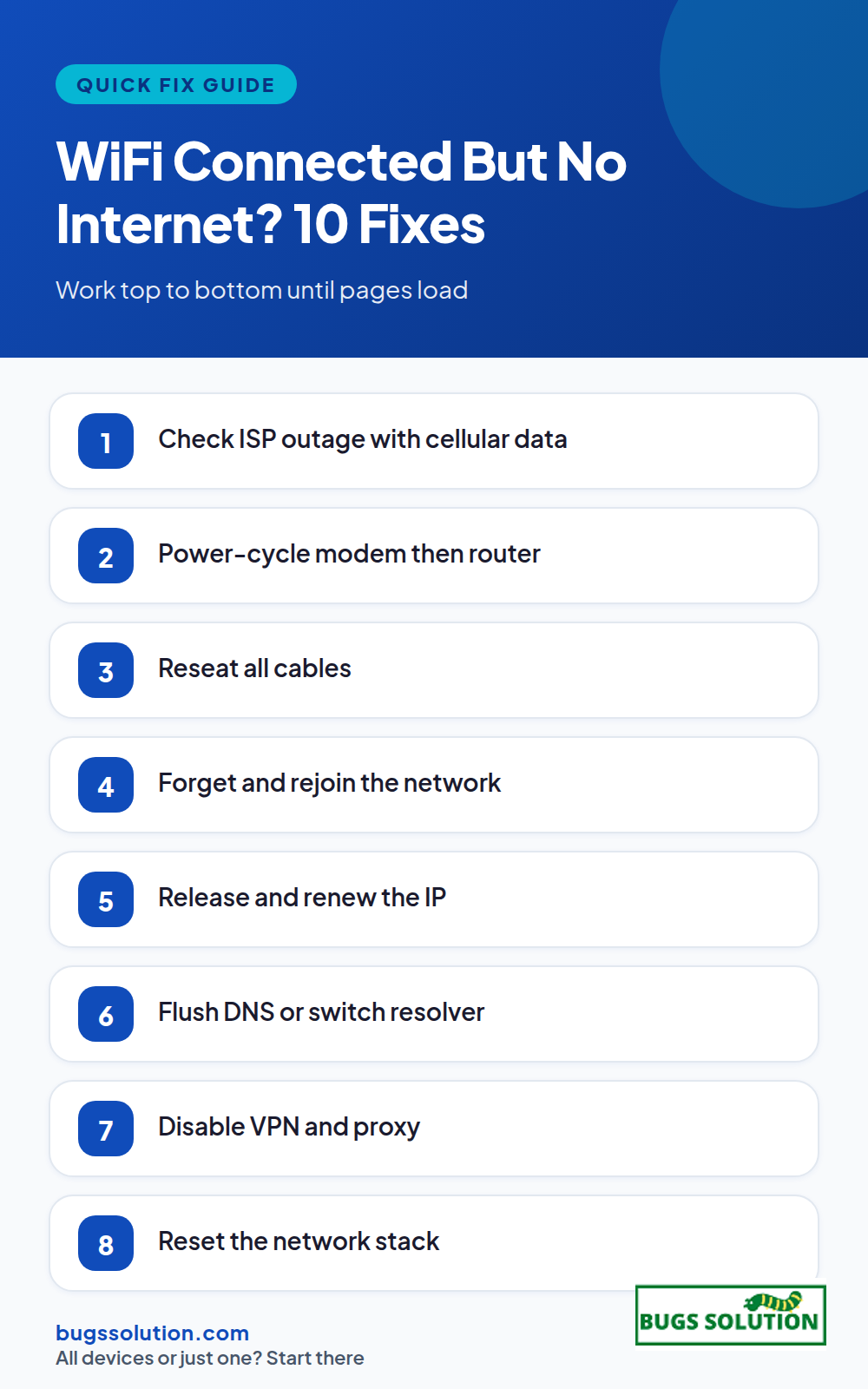
WiFi Connected But No Internet? 10 Fixes
How to Fix How to Fix

WiFi Connected But No Internet? 10 Fixes That Work

If your device shows Wi-Fi connected but no internet access, the break is between your router and the wider web, not between your device and the router. Work…

How to Fix
5 min read Start here
8 Signs Your Computer Is Hacked
How to Fix How to Fix

8 Signs Your Computer Is Hacked and What to Do First

If you suspect your computer is hacked, disconnect it from the network, run a full antivirus scan, change your most important passwords from a different clean device, and…

How to Fix
6 min read
Is Google Down? How to Tell
How to Fix How to Fix

Is Google Down? How to Tell If It Is You or Google

If you are wondering whether Google is down, check Google's own status dashboard and an independent outage tracker, then test a second device on a different network. That…

How to Fix
5 min read
Apple Pay Not Working? Quick Checks
How to Fix How to Fix

Apple Pay Not Working? Quick Checks After an Outage

If Apple Pay is not working, first confirm whether Apple's payment services are down, then check the basics on your device: default card, region settings, and a quick…

How to Fix
5 min read
Gmail Not Sending? How to Fix It During an Outage
How to Fix How to Fix

Gmail Not Sending? How to Fix It During an Outage

If Gmail is not sending, the cause is usually one of four things: a Google service outage, a full outbox or storage quota, a browser extension or cached…

How to Fix
5 min read
Outlook Not Working? 7 Fixes to Try While You Wait
How to Fix How to Fix

Outlook Not Working? 7 Fixes to Try While You Wait

If Outlook is not working right now, you are not alone. Microsoft confirmed an outage affecting Outlook, Teams, and Microsoft 365 after a network capacity upgrade went wrong.…

How to Fix
6 min read
What Are The Top Real Estate SEO Services For 2023
SEO SEO

What Are The Top Real Estate SEO Services For 2027?

Real estate SEO, also known as local SEO, is becoming increasingly important for real estate agents, brokers, and developers to remain competitive in the online search landscape. With…

SEO
5 min read
Business Business

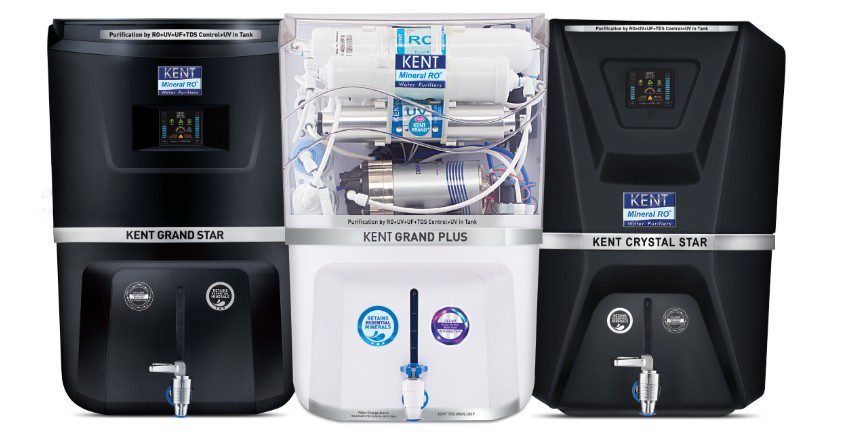
Top Water Purifier Trends to Watch in 2026

Access to safe drinking water remains a priority for modern households. Changes in water quality and rising health awareness are influencing purchase decisions. As a result, the water…

Business
4 min read
Free download

The ten minute fix plan

The checks from any guide on this site on a single printable page, with the status links and the command paths ready to copy.

  • One page, black and white friendly
  • Status links for every provider we cover
  • A note template you can paste to your team

Send me the checklist

One email with the PDF. No sequence, no upsell.

Used only to send this file. Unsubscribe in one click.

How we test

No hot takes and no long video before the answer. Every guide is written to be used while something is still broken.

Answer in the first paragraph

You should know whether to wait, switch tools, or change a setting before you scroll.

Steps in the order that works

Provider status, then device, then account. Stop as soon as one step solves it.

Rewritten when the cause changes

Outage guides age fast. When the failure mode changes, the steps and the note at the top change too.

Try a symptom, an app name, or the exact error text.

UpDown to move Enter to open Esc to close