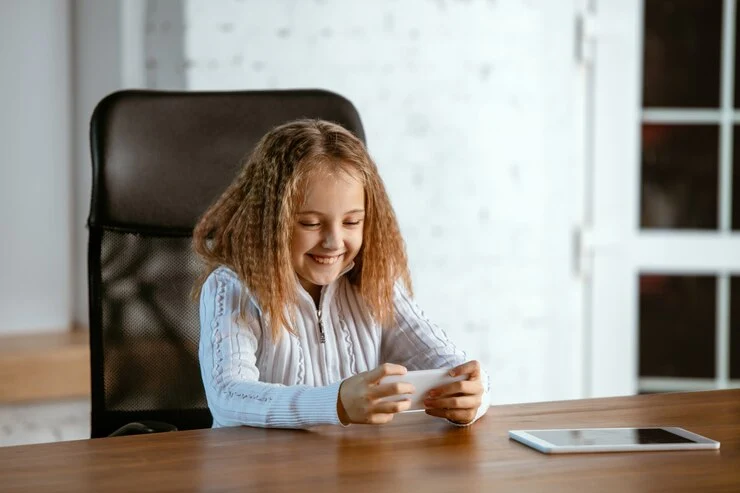
8 Things to Consider While Buying Tablets for Your Kids
Tablets for kids are convenient to use and well-suited for younger users. These systems consist of kid-friendly apps with adequate parental control for keeping an eye on kids. They are not only used as…
Tablets for kids are convenient to use and well-suited for younger users. These systems consist of kid-friendly apps with adequate parental control for keeping an eye on kids. They are not only used as the screen for watching cartoons and movies but also can act as a tool for inculcating knowledge and creativity in your child. When kids use any device, their parents’ top concern is the well-being of their children. And this is what a modern tablet can offer.
For choosing or Buying Tablets the right tablet for your kids, you must consider the following factors.
Find Out The Quick Tips for Buying Tablets For Your Child:
●Performance:
Everyone wants a tablet that keeps fulfilling their needs. But while considering children’s tablets, smooth operation throughout the common tasks remains a top priority. While kids don’t require a system with a powerful processor, teens may need systems that they can use for school and creative tasks. A tablet with proper screen size and quality can give the best performance.
●Durability:
Durability is the main thing that separates kids’ tablets from grown-up ones. It becomes an important factor when choosing a tablet for your child. Most of the kids’ tablets have plastic shells, which are not prone to accidents. These devices consist of chemically strengthened Gorilla Glass, which gives adequate toughness. While buying tablets, it is important to check out the specs to get more information regarding your device.
●Battery Life:
Best tablets must offer at least a battery backup of seven hours. While you are looking for children’s tablet deals, you have to remain concerned about battery life. However, certain apps consume more battery power, so it’s advised to go with a portable charger.
Here are some important points to remember for maintaining a good battery life in your child’s tablet:
Always, keep the tablet cool.
Avoid charging it for 100%.
Perform shallow discharges
Fully discharge it once a month.
●Operating System:
Similar to the sophisticated model, tablets for children also have the same operating system (OS). The best practice of choosing any device is its compatibility with day-to-day operations. However, if you are looking to buy a children’s learning tablet, then it will not be a big issue to choose between the operating system.
●Storage:
Storage is an important aspect of your child’s tablet. It is advised to invest in more storage space if your child is constantly deleting apps or trying out new ones. You must go for the higher-end models that can be tested out with time.
●Weight:
Parents don’t need to worry too much regarding weight as most of the kids’ tablets on sale are compact. So, you don’t need to worry about your child lugging out the heavy strain on the back.
●Parental Controls:
It comes out as the biggest concern for parents when they buy a tablet for their child. Every guardian wants their child’s system to be kid-friendly with mature content. Most of the kid tablets have their in-built systems for taking proper supervision. There are tablets in the market that differ from control, which we get to consider here:
Basic tablets have screen-time controls and payment protection.
Comprehensive parental controls consist of features for remote access screens, volume control, and camera control.
●Screen Size:
Tablets for children have a normally smaller screen, which ranges between seven and eleven inches. It is optimum for younger children as they have no trouble while picking it in their hands. But if you are buying it from a children’s study perspective, then you must go to larger screens.
Conclusion:
Proper tablets can unlock an interactive world for your child. For understanding a new language and sharpening motor skills, kids’ tablets can be phenomenal. But apps on your child’s device must have friendly interfaces, personalization, and efficiency.
Hey,
This is Namrata Shah and I am a professional blogger. I am a professional blogger since 4 years and have keen interest to research about different bugs like windows, software bugs, exceptions handling, programming bugs, and so on.
Computer programming is a core part of many Australian university degrees, including IT, computer science, engineering, and data science. While learning to code is exciting, completing a programming…
A beautiful outdoor space doesn’t happen by accident. It takes proper care, the right tools, and a consistent routine to keep everything healthy and attractive. Whether you have…
When it comes to purchasing a trampoline for your gym, training center, or sports facility, trampoline size is not just a matter of space—it affects bounce quality, athlete…